• Skip to primary navigation
  • Skip to main content
  • Skip to primary sidebar
  • Guides
    • TUTORIALS
    • VMWARE Guide
  • CPU
    • Intel Xeon Series Processors
    • 6th Generation Skylake Processors For Hackintosh
    • 5th Generation Broadwell Processors
    • 3nd Generation Ivy Bridge Processors
    • 4th Generation Haswell Processors
    • 2nd Generation Sandy Bridge Processors
  • GPU
    • AMD
    • NVIDIA
      • GTS
      • GTX
  • Windows
  • iOS

Hackintosh Mumbai

Insanity Beyond The Imagination

  • Guides
    • TUTORIALS
    • VMWARE Guide
  • CPU
    • Intel Xeon Series Processors
    • 6th Generation Skylake Processors For Hackintosh
    • 5th Generation Broadwell Processors
    • 3nd Generation Ivy Bridge Processors
    • 4th Generation Haswell Processors
    • 2nd Generation Sandy Bridge Processors
  • GPU
    • AMD
    • NVIDIA
      • GTS
      • GTX
  • Windows
  • iOS
iMessage-FIX with Chameleon

iMessage-FIX with Chameleon

Apr 24, 2013 by Pratik N Borkar 4 Comments

<

div dir=”ltr” style=”text-align: left;”>
Ultimate solution for iMessage-fix with Chameleon

Requirements

1:-A working Hackintosh System
2:-Chameleon Boot Loader {patched one} / CHIMERA 2.2.1
3:-FileNVRAM.dylib
Download the specially patched version of Chameleon boot loader 2170 or later /
CHIMERA 2.0.1 & install it
Open Finder, and go to /Extra in your MAC drive. Then
create a folder named “Modules” and copy FileNVRAM.dylib
If you have “ACPICodec.dylib” in /Extra/Modules then delete it
and restart your machine . To make this file 
“nvram.5002e503-4904-ed05-e306-560700080009.plist”
You need to change you “PlatformUUId”in
“nvram.5002e503-4904-ed05-e306-560700080009.plist”

To get your PlatformUUId
Type it in your terminal
ioreg -lw0 | grep PlatformUUID

Then Open with text Edit 
 “nvram.5002e503-4904-ed05-e306-560700080009.plist”
and Replace:
4D1EDE05-38C7-4A6A-9CC6-4BCCA8B38C14
with your “PlatformUUId”
If still iMessage is not working, then add this to your
org.chameleon.Boot.plist
SystemId
INSERT YOU UUID HERE
Then Log into iMessage now
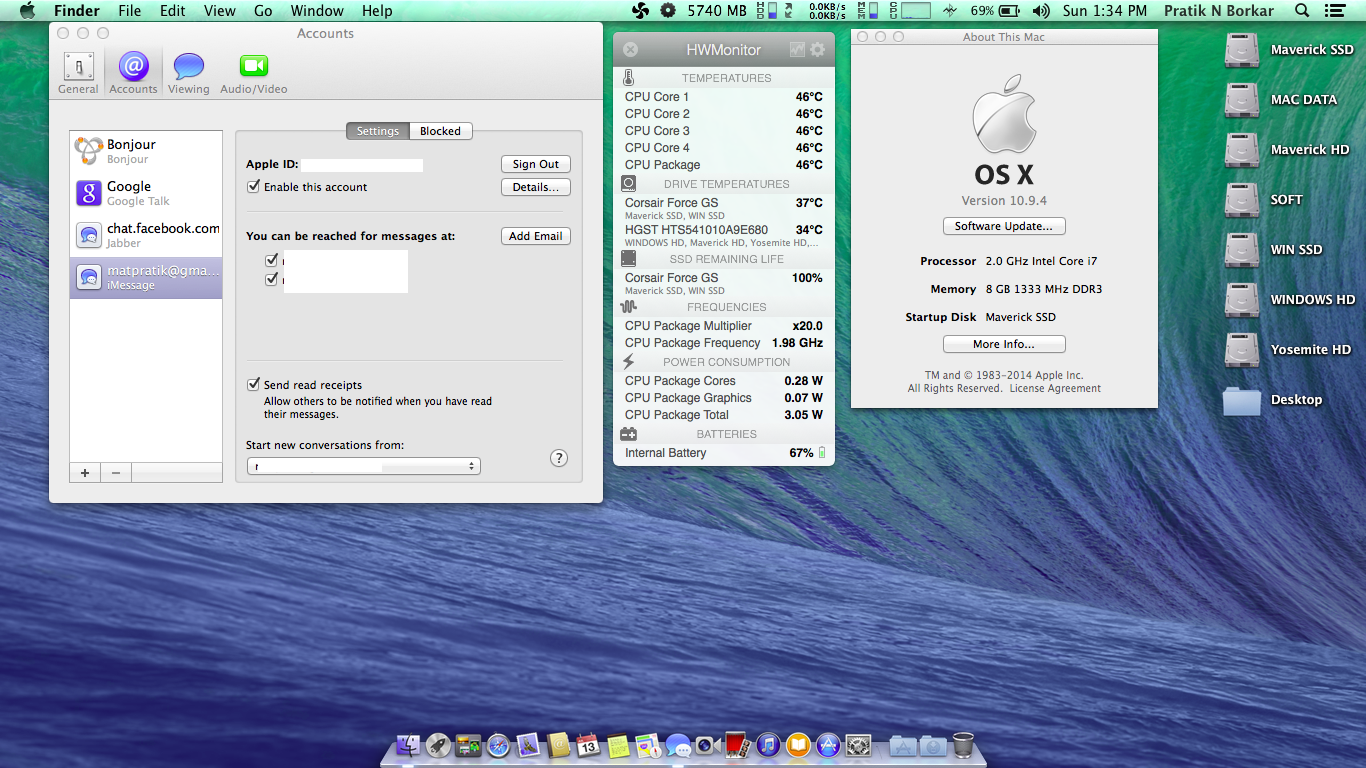
Your iMessages app should work properly.
Quick Note:-Following Article Only works on 10.7.x,10.8.x,10.9.x but it wont works on Yosemiteand El Capitan due apple have change there security features now days iMessages and faceTime needs Hardware validation such as ROM and MLB.

Filed Under: iMessage, TUTORIALS Tagged With: Imeesgae, TUTORIALS

About Pratik N Borkar

Every one Calls him Freak Smart-Ass as tittle but no one knows that he is Avid Apple Fan & Technophilic who passionate about new techno kind a stuff and Apple's new creation like OS X and iOS, Also He likes to share useful tips, techniques and resources for Hackintosh and Macintosh for Apple addicts with his Personal Blog

Primary Sidebar

Search Me

Subscribe to Blog via Email

Enter your email address to subscribe to this blog and receive notifications of new posts by email.

Join 6 other subscribers

© Hackintosh Mumbai–2025